published in 3 groups you belong facebook with a single click TEST VERSION
NOTE THIS IS THE FREE VERSION YOU CAN ONLY PUBLISH IN A MAXIMUM OF THREE GROUPS TO BE ABLE TO PUBLISH IN ALL THE GROUPS TO WHICH YOU BELONG YOU MUST DOWNLOAD PAYMENT PUBLIGROUPFB
USER MANUAL
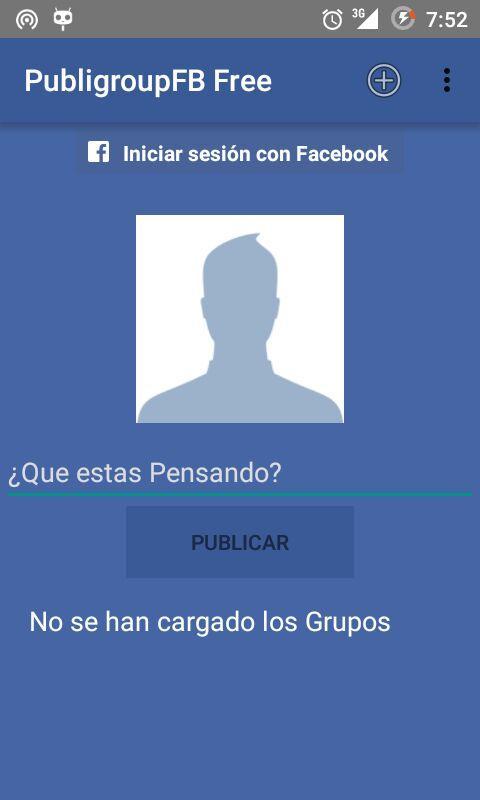
-> When you open the application you must log in, to do so press the Log In button.
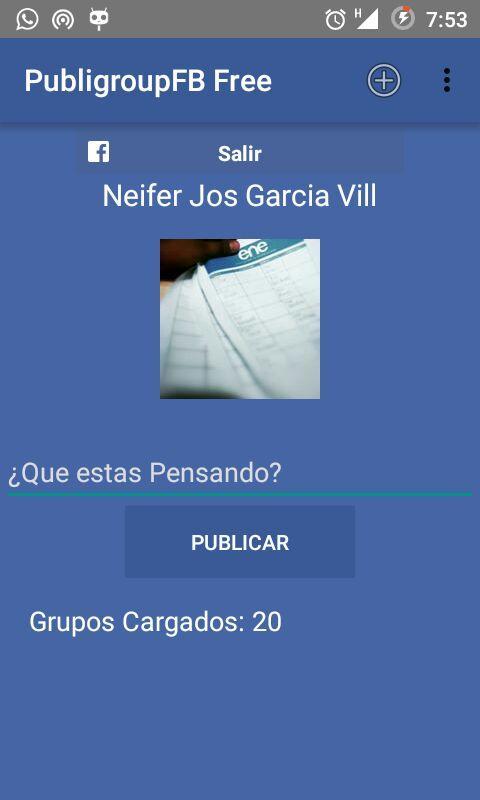
-> After logging in, the application will ask you for some permissions from your Facebook account, which are vital
for the correct functioning of this application. Therefore, you must click OK to grant permissions.
-> In the application menu there are 4 items:
1. Add Photo
2. Update Group List
3. View Group List
4. Request Permissions to access groups.
1. ADD PHOTO
-> By pressing this button, the option will be displayed for you to choose a photo you want to share.
-> after you select it we automatically return to the application.
2. UPDATE GROUP LIST
-> By pressing this button, you will access the list of groups that you have created, and they will be loaded into the application.
3. SEE LIST OF GROUPS
-> By pressing this button, it will show the groups that are part of your created list. You can manage them with the following options:
Accept Group Selection:
If you have selected specific groups from the list, press this first button to validate your selection.
Add Groups:
allows you to add new groups to the list, which you can search for, select and add to your list.
Delete Groups:
allows you to delete the groups you select from your list.
4. ASK FOR PERMISSIONS TO ACCESS GROUPS
-> Try asking Facebook for permissions so you can access your group list.
-> After the groups have been selected or the list of groups has been loaded, you will be able to publish, because now you will have somewhere to publish.
-> You write a text that will be accompanied by the image (if you added it) and press publish.
-> The application will try to publish in the groups in the list, and will show how many were published and how many were not.
NOTES: As it is a Free Version, you can only send content to 3 groups.
In groups that have not been published, the reason is because you do not belong to said group, therefore, make sure that your list of groups are groups to which you belong.
Read more